Signal isn’t just for secure conversations with others—it’s also a surprisingly handy place to send messages to yourself. Here’s how to find and use your built-in Note to Self chat.
Therapists have long recommended writing down your thoughts. But journaling can feel like a commitment. Texting yourself? That’s something you can do in ten seconds—and it might help more than you expect.
The internet is full of people showing off their intricate Notion setups and linked note systems. But for most of us, the ‘second brain’ doesn’t need to be a PhD project. Sometimes simpler is just… better.
You’ve got a task. You know you should do it. But somehow you don’t. Turns out, messaging yourself that task might be the nudge your brain actually responds to.
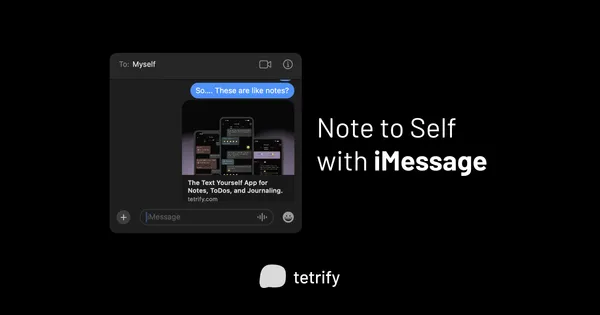
Forget fancy task managers for a second. A growing number of people are managing their daily to-dos by simply firing off messages to themselves on iMessage. Here’s why it works—and where it doesn’t.
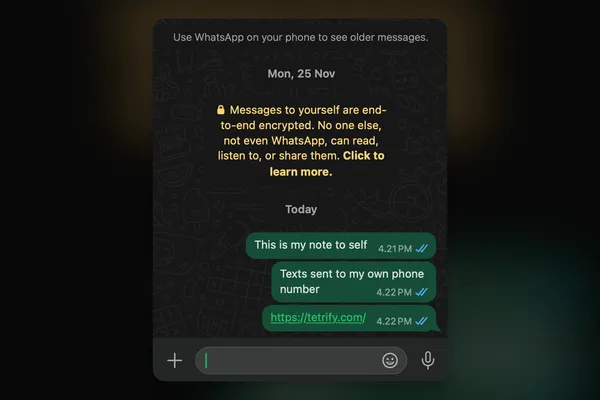
In the age of digital productivity, people have discovered an unexpected use for WhatsApp: messaging themselves for notes. Let’s explore how to do it and why it works.