
How To Message Yourself on iMessage and Use It as a Notes App

Forget fancy task managers for a second. A growing number of people are managing their daily to-dos by simply firing off messages to themselves on iMessage. Here’s why it works—and where it doesn’t.
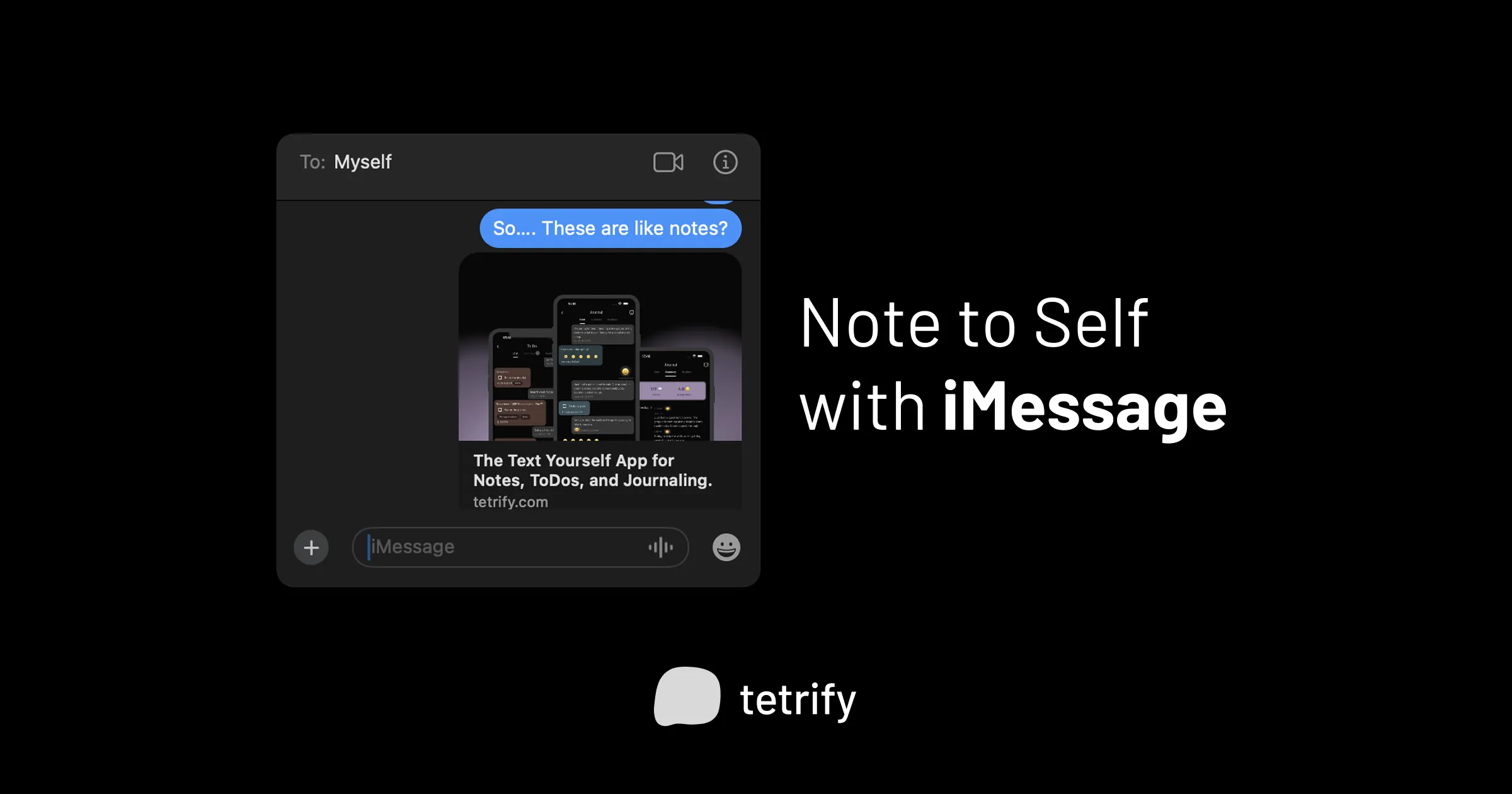
The Daily Task Dump
Section titled “The Daily Task Dump”Every morning, millions of people open some kind of task app, stare at a wall of overdue items, and feel vaguely defeated before their coffee kicks in. But there’s another group doing something different: they’re dropping their daily tasks into an iMessage conversation with themselves.
If you’ve never tried shooting yourself a text on iMessage, here’s how:
- Open the Messages app and tap the compose button.
- Type in your own phone number or Apple ID email.
- Start chatting with yourself like you would anyone else.
That’s the whole setup. You now have a thread that syncs across your iPhone, iPad, and Mac—wherever you’re signed into iMessage via iCloud.
Why People Are Doing This
Section titled “Why People Are Doing This”The appeal isn’t mysterious once you try it. When you message yourself a task, there’s no friction. You’re not deciding which project it belongs to, what priority level it deserves, or whether it should have a subtask. You’re just getting the thought out of your head and into something you’ll actually see again—a concept productivity expert David Allen calls “capture.”
For daily tasks specifically, this matters. Most of us don’t need elaborate systems for “pick up dry cleaning” or “review Sarah’s PR.” We need a place to dump those items where they won’t get lost and where we’ll naturally check back.
iMessage happens to be that place for a lot of people. You’re already opening it dozens of times a day. A self-addressed thread sits right there in your recent conversations, acting as a gentle nudge every time you check your messages.
The Morning Routine That Sticks
Section titled “The Morning Routine That Sticks”Some people have turned this into a ritual. Before getting into the day, they send themselves a quick burst of texts—one task per message. Something like:
✓ Morning standup at 9
✓ Email back Jordan
✓ Fix the login bug
✓ Grocery run after work
Each message becomes its own little checkbox in their head. When something’s done, they either delete the message or just mentally move past it. Some folks reply to their own message with “done” to mark progress—a tiny dopamine hit for completing something.
It’s not sophisticated, but it’s doable. And doable beats sophisticated every time when it comes to habits.
The Limitations Are Real
Section titled “The Limitations Are Real”Okay well, iMessage wasn’t designed for this. After a few days, your tasks start scrolling away into oblivion. There’s no way to mark something complete, set a reminder, or separate “urgent” from “whenever.” If you text yourself ten things, you’re scrolling through a wall of blue bubbles with no structure.
It works beautifully for daily captures. It falls apart for anything you need to track over time.
This is where people either give up on the method entirely or start looking for something that keeps the messaging feel but adds the features they’re missing.
When Texting Yourself Needs a Glow-Up
Section titled “When Texting Yourself Needs a Glow-Up”The appeal of pinging yourself tasks isn’t going away—it’s too convenient. But the rough edges are obvious once you rely on it for more than quick reminders. You start wanting checkboxes. Categories. Maybe a nudge if you forget something.
That tension—loving the simplicity, needing more structure—is exactly why tetrify exists.

tetrify is built for people who text themselves tasks
Get the familiar chat interface with checkboxes, reminders, and multiple spaces to organize your daily to-dos. No account or internet needed.