
The Case for Saving Links by DMing Yourself

You stumble across something interesting online. Do you bookmark it, save it to Pocket (well, not possible anymore), add it to Notion, or just… text it to yourself? Here’s why that last option might actually be the best one.
The Bookmark Graveyard
Section titled “The Bookmark Graveyard”Let’s talk about your bookmarks folder. Or your Pocket queue (RIP…). Or that “Read Later” tag in Notion.
How many links are sitting there, unread, slowly aging into irrelevance? If you’re like most people, the answer is somewhere between “dozens” and “I don’t want to talk about it.”
The problem isn’t that you don’t find interesting things online. You do. Constantly. The problem is that dedicated bookmarking tools are where links go to die. You save something with the best intentions, and then… you never open that app again until you’re saving the next thing.
This is the paradox of specialized tools: they’re great at their job, but you have to remember they exist.
Why Texting Yourself Works Better
Section titled “Why Texting Yourself Works Better”Here’s a different approach: when you find something worth saving, just send it to yourself in a chat.
Sounds almost too simple, right? But think about what happens:
-
You actually see it again. You check your messages constantly. That link doesn’t disappear into a separate app — it sits right there in your conversation list, reminding you it exists.
-
No context switching. You don’t have to open a different app, sign in, decide which folder it belongs to, or tag it properly. You just… paste and send.
-
It has context. When you text yourself a link, you can add a quick note: “this is that article about sourdough Jake mentioned” or “watch later — the part at 4:30 is interesting.” Try doing that in a bookmarks folder.
-
It feels temporary. This is subtle but important. Bookmarking something feels permanent and serious. Texting it to yourself feels casual and low-stakes. That psychological shift makes you more likely to actually save things in the first place.
The “Send to Self” Habit
Section titled “The “Send to Self” Habit”Some people have turned this into a full-on system. Throughout the day, they fire off messages to themselves: articles, videos, recipes, product pages, tweets they want to reference later. It all lands in one place.
The beauty is in the simplicity. There’s no decision fatigue about how to save something. No wondering whether it should go in “Work” or “Personal” or “Someday Maybe.” You just send it and move on.
When you have a spare moment — waiting in line, killing time before a meeting — you scroll through your self-chat and actually consume some of what you’ve saved. The links are right there, mixed in with your other notes and reminders, as part of your daily flow.
The Downside: Link Overload
Section titled “The Downside: Link Overload”Of course, this approach has a ceiling. If you’re saving dozens of links a week, they start piling up. Scrolling through weeks of messages to find that one article about productivity (ironic, isn’t it?) becomes its own chore.
And there’s no way to mark a link as “read” or organize things into topics. What started as a simple capture system can turn into a scrolling nightmare.
When You Need More Than a Chat
Section titled “When You Need More Than a Chat”The instinct to text yourself links is right — it’s the lowest friction way to save something. But pure messaging apps weren’t designed for this use case, so they don’t give you the tools to actually manage what you’ve saved.
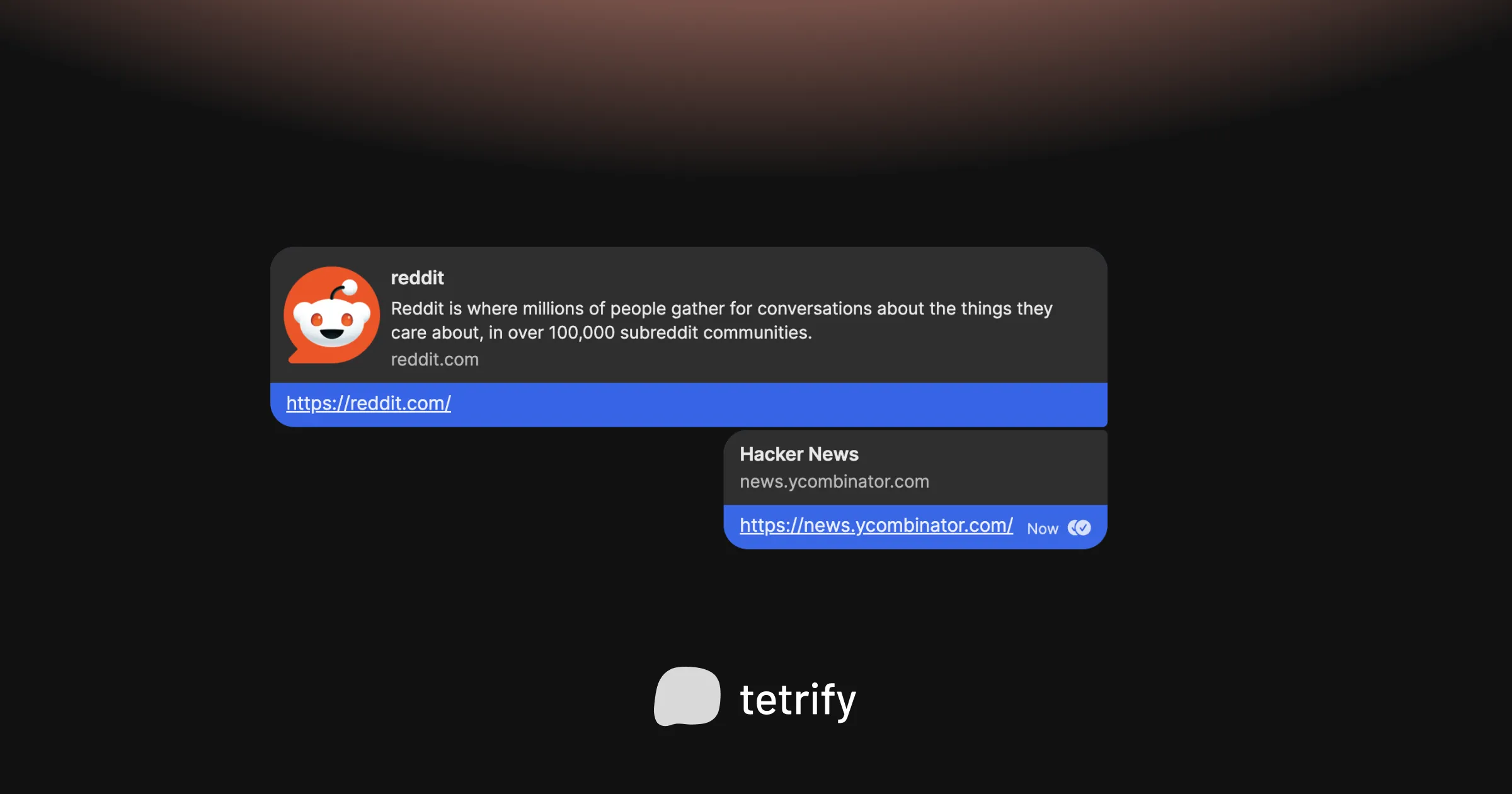
That’s where purpose-built chat-style apps come in. Same familiar interface, but with the ability to organize links into different spaces, mark things as read, and actually find what you saved three weeks ago.

tetrify makes link-saving actually work
Dedicated spaces for saved links, easy search, and the same texting interface you already know how to use. No account or internet needed.